
Text and attachments, protected together
Text, photos, voice messages and files all take part in encrypted one-to-one conversations.
PRIVATE BY DESIGN. CONNECTED BY YOU.
Private messaging, thoughtfully designed. Share text, voice messages, photos and files through a server you choose — with a familiar, beautifully simple experience.
A fresh blue identity · In developmentNative on three platforms · Your cloud or local network
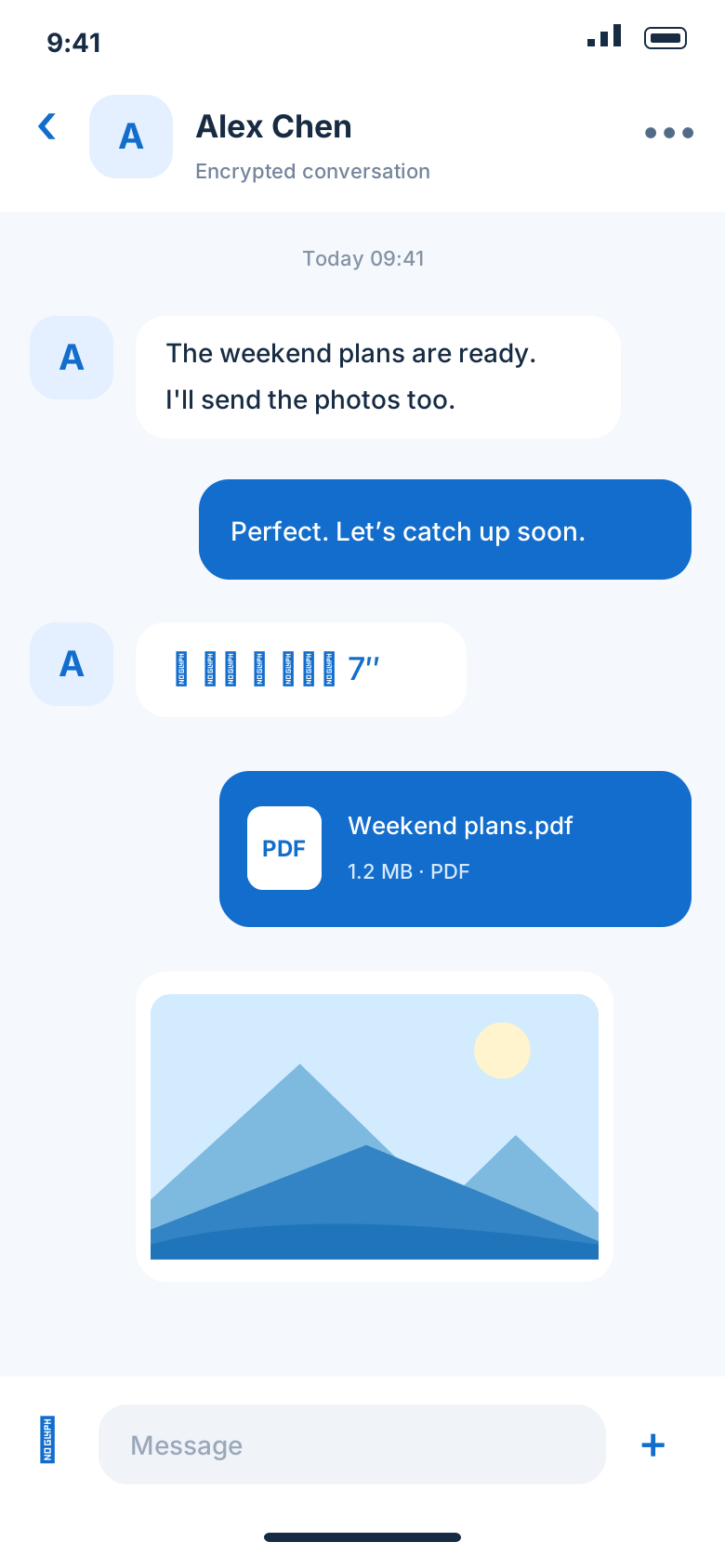
Communication, made familiar
No new way of chatting to learn. Keep the complexity in the encryption, and the conversation where it belongs.
Clear conversations and familiar message bubbles. Share text, photos, voice messages and files in one natural flow.
Hold to record, choose a photo or send a file. Attachments download and decrypt when opened. Save them to a location you choose.
Set retention for new messages, or choose a local timer after viewing. Manage the timeline on your current device with clear controls.
Illustrative interface previews. Each platform uses native controls; final screens may differ in the approved test release.
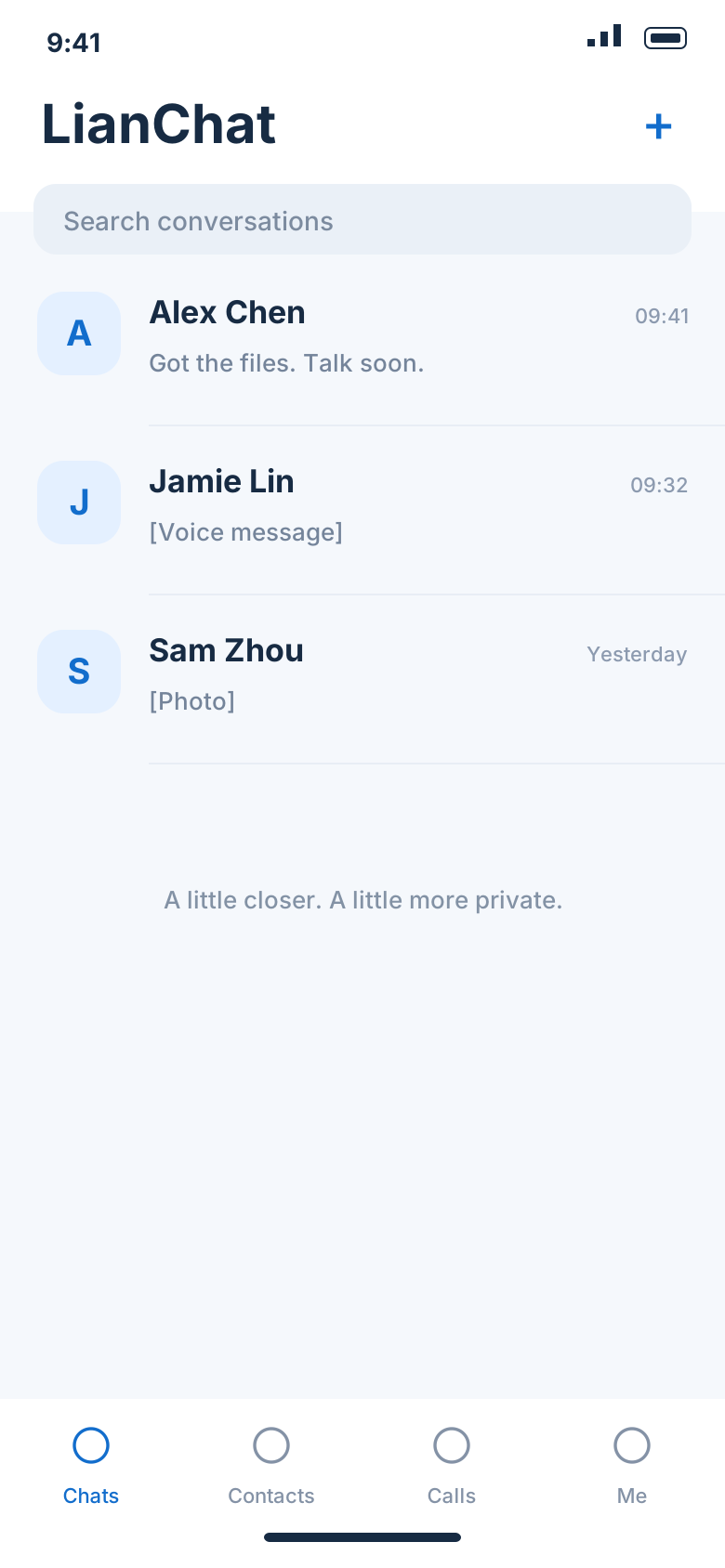
Security starts at the endpoints
Built on Matrix end-to-end encryption. Messages and attachments encrypt and decrypt on the clients, while the server carries ciphertext.
Text, photos, voice messages and files all take part in encrypted one-to-one conversations.
Encryption status and retention settings sit inside the conversation, with important choices close at hand.
Encryption and decryption happen on the clients
Device identity verification is still in development. Encryption does not hide all communication metadata. Use test content in this preview.
Infrastructure on your terms
One client, different deployments. Run the backend on your LAN or in your own cloud, and choose where your communication infrastructure lives.
A trusted HTTPS endpoint connects your cloud deployment to test devices in different locations.
Run the backend on your LAN with HTTPS trusted by the clients. Phone registration needs an online SMS service; administrators can create LianChat IDs.
One client. Your server address.
https://im.lianchat.appOpen LianChat → Select communication server → Enter API address
Local-timer concept · accelerated illustration
Conversations have their own rhythm
Choose how long new messages stay on the local timeline. Keep local visibility, explicit exports and server retention policies distinct.
Local clearing does not erase copies on the peer, server or exported files. Cross-device timers and per-message remote destruction are still in development.
MADE FOR YOUR EVERYDAY
Native apps for iOS, Android ARM64 and HarmonyOS are being brought together. Downloads will open after the release is approved.
ARM64 only. A native experience, designed around everyday conversations.
A native iOS experience. Available after test devices and signing are confirmed.
A native HarmonyOS app, with platform features under joint validation.
Downloads are not open yet. No installer is linked on this page. Approved builds and supported signing options will be published here after release review.
Encrypted text and multimedia direct messaging are available in development testing. Account deletion, encrypted live calls and iOS background calling remain under implementation and validation.
Yes. The welcome screen keeps a manual server API address setting. Use the same client with different cloud or LAN deployments, without rebuilding it for each server.
The current preview supports end-to-end encrypted text, photos, voice messages and files in one-to-one chats, with a 20MB attachment limit. Live calls and platform push are in development.
No. Current timers affect the local timeline and its previews. They do not guarantee erasure on peer devices, servers, runtime copies, system backups or exported files. Cross-device timers and per-message remote destruction are not implemented yet.
Downloads will open after release approval. Install the build supported by your platform and signing profile, then enter your server on the welcome screen. A bare host such as im.lianchat.app defaults to HTTPS. Registration uses an account name, an SMS code and password confirmation.